CRM buying guide · UAE
How to Choose the Right CRM When Every System Looks the Same
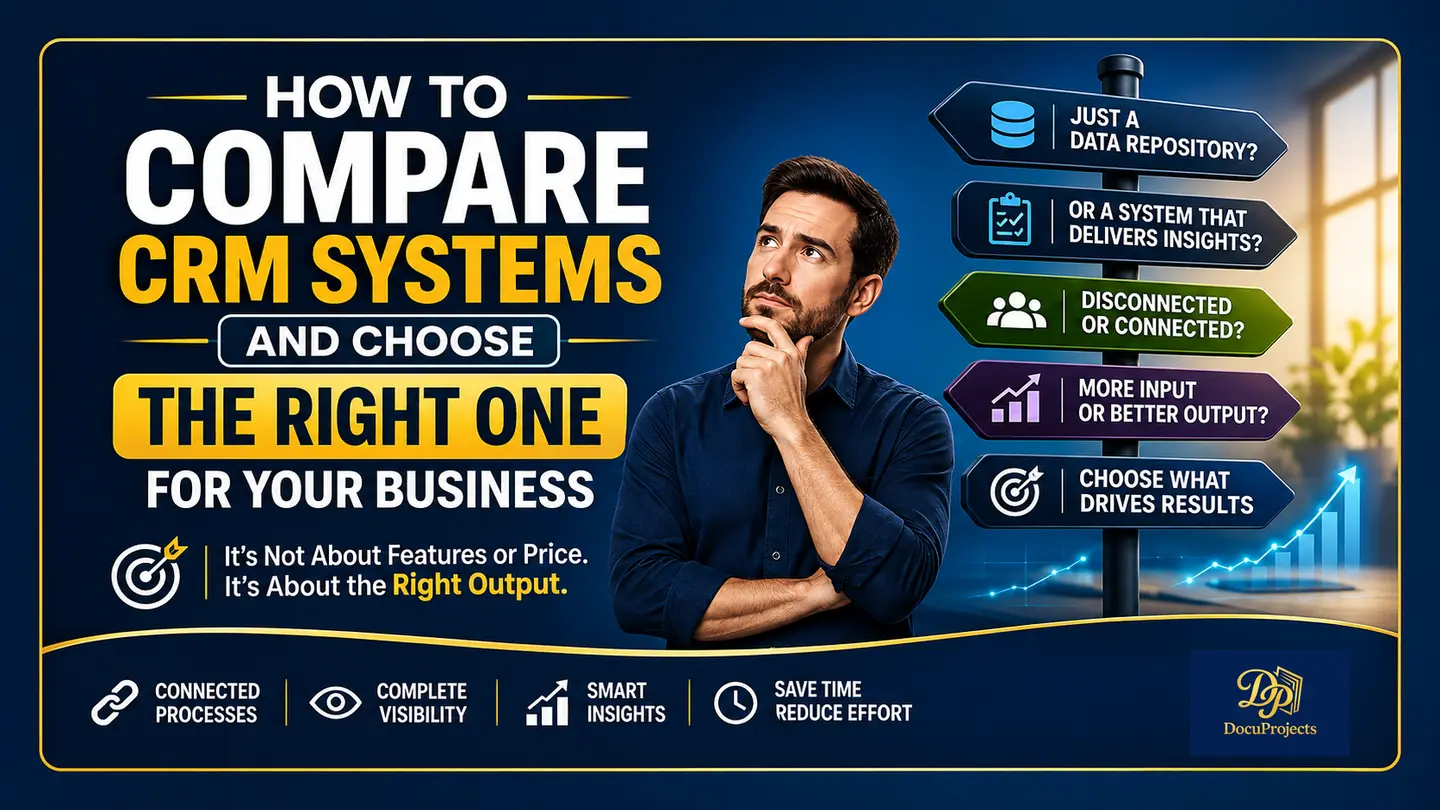
Choosing a CRM gets difficult when every demo shows a polished dashboard, a long feature list and an attractive starting price. Before you compare plans, write down one question you need answered every week. For example, which deals did we win this month, how much have we invoiced, and what are we still waiting to collect?
The common mistake businesses make
Teams often start with the interface, the price, the number of features, or how many custom fields and modules they can add. Those details matter. But even a free CRM becomes expensive in staff time if someone has to rebuild the sales report in a spreadsheet every Friday.
Think of a CRM like hiring an employee
When hiring someone, you define the work you need them to do and ask how they would handle it. Give a CRM the same practical interview. Take a recent sale and ask the vendor to walk your team through it. Can finance find the quotation the customer accepted? Can the sales manager see what happened after the deal was won?
The problem with disconnected CRM records
A CRM may let you enter leads, track deals, create invoices and generate reports. If staff have to enter the same information at every step, two teams can end up with different versions of the same transaction. A salesperson may update the quote while finance invoices the earlier amount. Both records look complete until someone compares them.
What a CRM should actually do
Look for a system that connects each step, guides the next person through their work and makes the resulting figures easy to trace. During the demo, count how many times someone types the customer name, currency and agreed price. Then open the revenue report and try to trace one amount back to the invoice behind it.
Where DocuProjects makes the difference
A connected flow across the business
In DocuProjects CRM, leads, deals, quotations, invoices and payments form a connected sales record. A salesperson can follow a deal forward to its invoice, and finance can refer back to the agreed quotation.
A built-in process
Deals move through defined stages. Quotes are finalized before invoicing, and invoices stay linked to the deal outcome. The next person handling the sale can see which step has been completed.
Less repeat entry and better accuracy
Customer and deal details carry forward through the workflow. Reusing those details saves staff time and reduces the chance that a price or currency changes when someone copies it into another tool.
Reports that help you decide
A won deal and a paid invoice answer different questions. Sales can review wins and team performance, while finance can see outstanding invoices. Management can use both views to decide whether the next conversation should be about new sales or overdue payments.
One system for sales, finance and management
With teams working from connected records, a manager can discuss a sale with finance using the same underlying figures. That reduces the time spent comparing separate spreadsheets before a decision can be made.
How to know if a CRM is right for you
- Can I get the answer my business needs from a real transaction?
- Can finance trace an invoice back to the quotation and deal?
- Which manual steps disappear for my team?
- Can I explain the figures in the report without asking someone to reconcile them first?
Final thought
Ask each vendor to demonstrate the same sale, from the first enquiry to the final payment. Choose the system your team can use to answer its everyday questions with confidence.
For a feature-by-feature shortlist, read our 2026 CRM guide for UAE small businesses.