
EMPLOYEE SCHEDULING
Easy scheduling for your team.
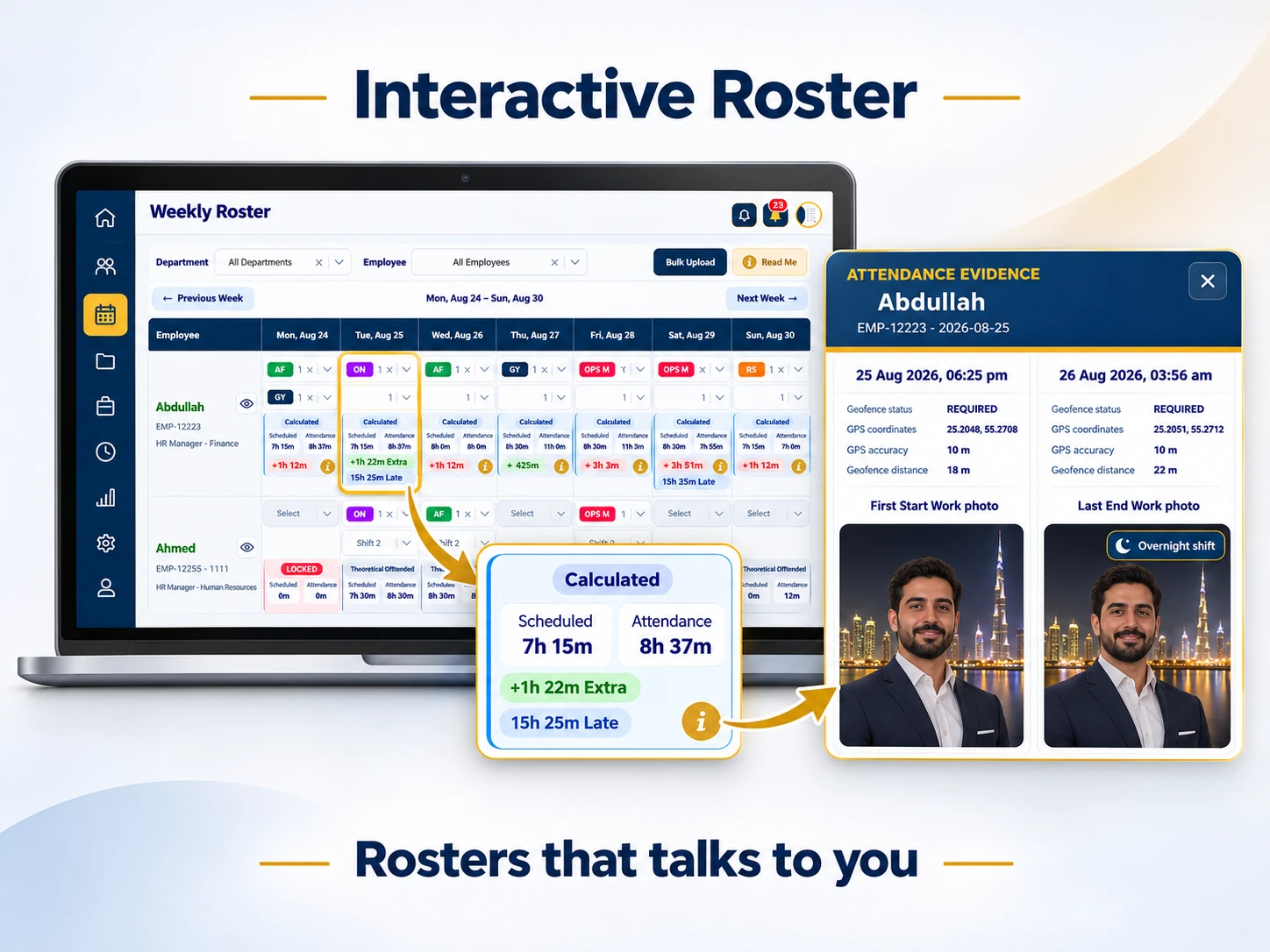
Plan a shift by employee or project. As people move between sites, classrooms or clinics, each check-in and check-out adds their actual hours to the right assignment.
CONSTRUCTION
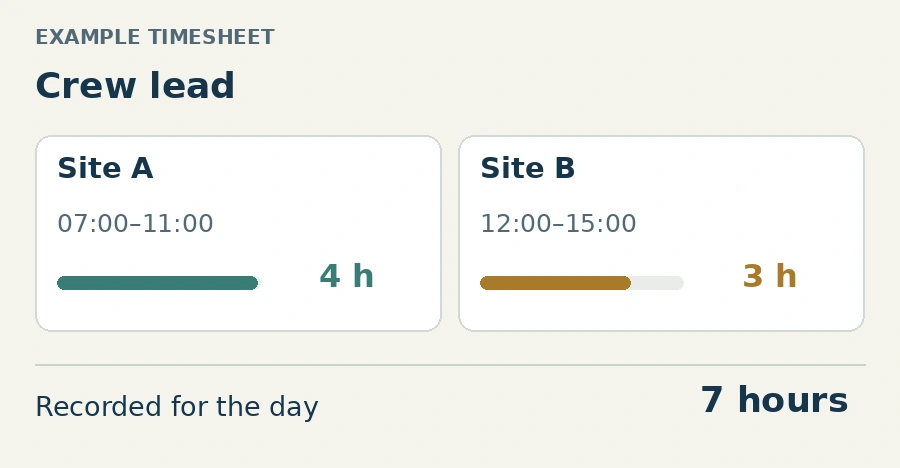
One crew, two sites
Roster a crew lead for the day. When work moves from the residential site to the warehouse, a new check-in puts the afternoon hours against the warehouse project. Apply employee labour rates to compare actual costs with the estimate.
SCHOOLS & UNIVERSITIES
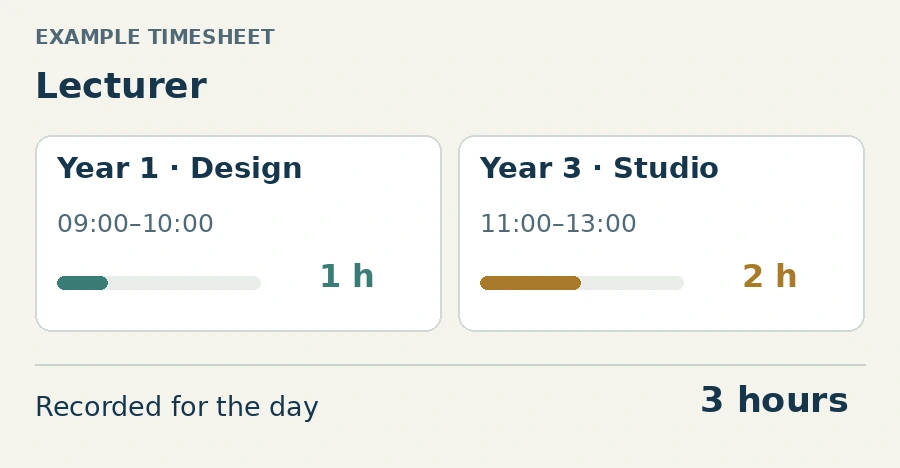
One campus, several classes
Set up each class as a project and roster full-time or part-time teachers for their shift. At each classroom tablet, a teacher scans their QR ID and takes a selfie to check in or out. The timesheet shows hours taught per class and for the whole day.
CLINICS & MEDICAL CENTRES
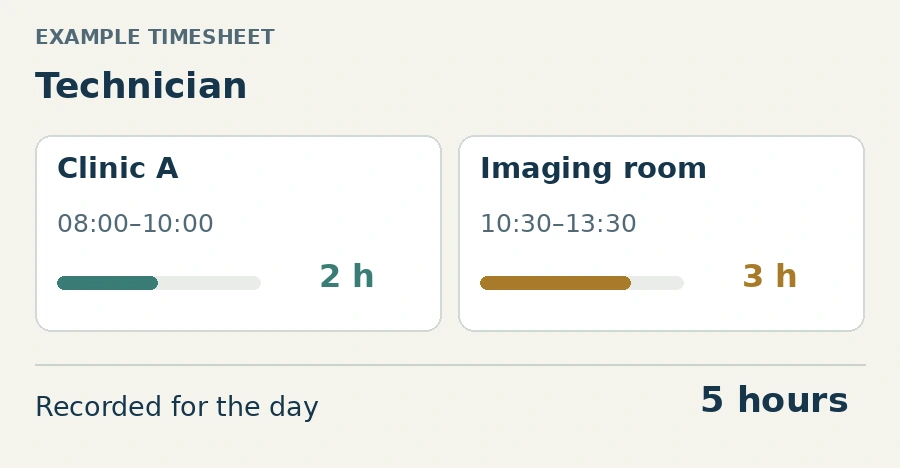
Follow staff time across rooms
Assign a technician to a clinic or treatment room. When they move to imaging, they check out and back in against the new assignment. A manager can see how much staff time each location used.
Scheduling for professional services
Inspection
Plan visits by client site. Geofenced check-ins help confirm inspectors are on location, and the timesheet records the duration of each visit.
Engineering & architecture
Allocate a morning design review and an afternoon site visit to the jobs they belong to, even when two design jobs share one office.
Consulting
Split a consultant’s day across client engagements. Each check-in and check-out records another time entry, with a total for each client project.
How does your team schedule work?
Tell us how you schedule employees and record attendance. We’ll walk through an example from your industry.