
DocuProjects guides · UAE
Employee Attendance FAQs: Mobile Check-In, QR Kiosks and Timesheets
From mobile and laptop check-ins to site kiosks, QR attendance and automatic timesheets—here is how different teams can record attendance without a complicated process.
Can employees check in and out from their phones?
Yes. Employees use mobile self-service to check in and out with location-tagged attendance. A selfie can also be captured when the administrator enables that option.
What if attendance must be limited to specific sites?
Administrators can apply geofencing and assign an employee to one or multiple approved project locations. Where site restrictions are enabled, the employee can check in and out only from their assigned locations. See how audit teams and field inspectors use site attendance at client premises.
Can employees mark attendance from a laptop?
Yes. Employee self-service also supports laptop check-in and check-out, with selfie capture if enabled. Geofencing restrictions can be applied to laptop attendance as well.
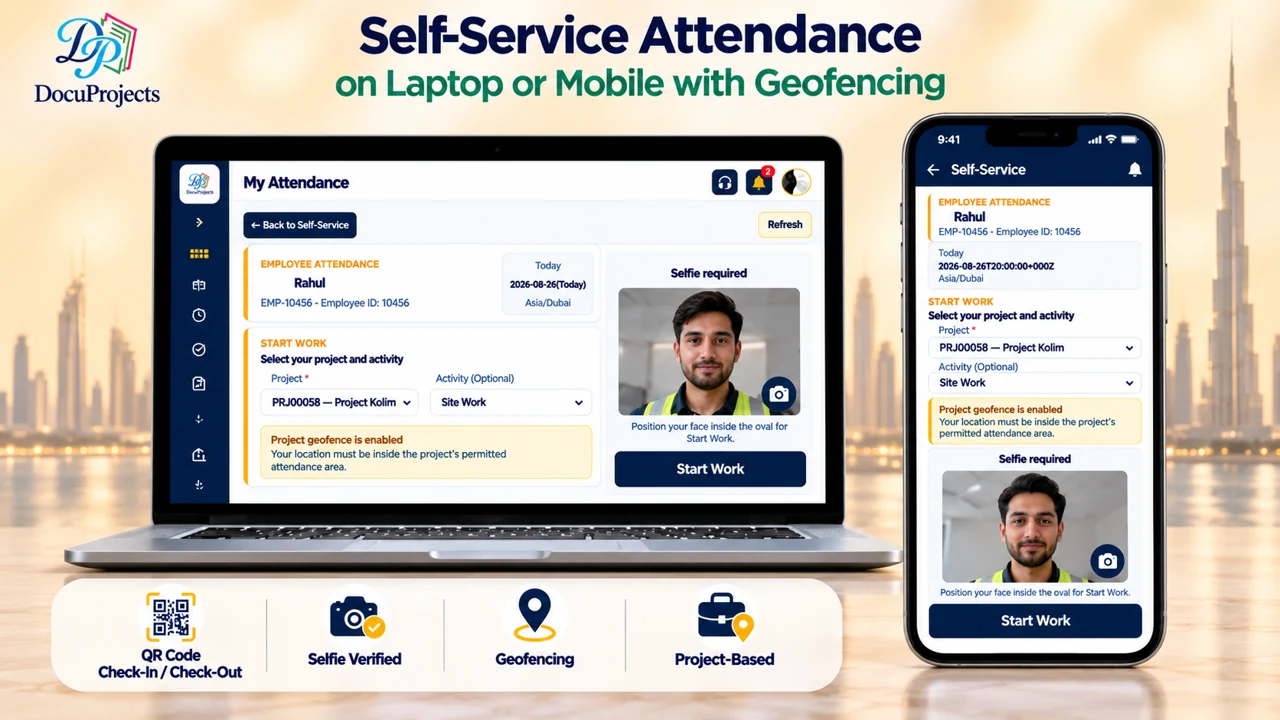
What if we do not want a selfie for every self-service check-in?
Selfie capture for employee self-service—on mobile or laptop—can be enabled or disabled by the administrator. QR kiosk attendance is different: selfie capture is mandatory there.
What about employees without a smartphone or mobile data?
A supervisor can open the site kiosk on a shared device. Employees allocated to that project can check in and out using the common kiosk, without needing their own smartphone or data connection.
How does QR-code kiosk attendance work?
Employees using QR attendance can be assigned a QR code. At the shared kiosk, they use the code to check in or out and complete a mandatory selfie verification.
What if a worker checks in at a project they are not allocated to?
The kiosk still records the check-in or check-out. The attendance remains unallocated so an administrator can assign it to the appropriate project later.
What if certain employees are not required to mark attendance?
The administrator can set this at employee-profile level. For employees exempt from check-in and check-out, the system automatically marks them Present for each day of the 30-day attendance period.
Do timesheets and extra hours need to be prepared manually?
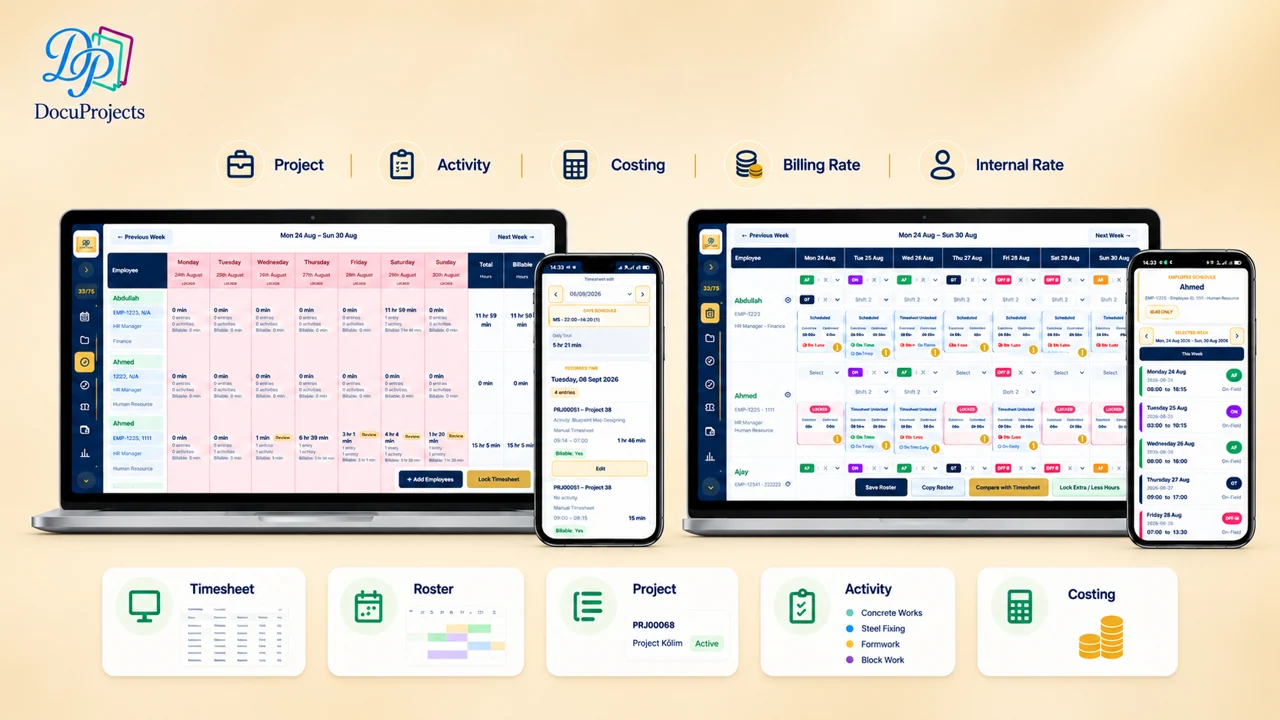
No. Timesheets are generated from recorded check-in and check-out activity. Rosters help organize scheduled work and capture additional hours, giving teams a clearer view of regular and extra time.
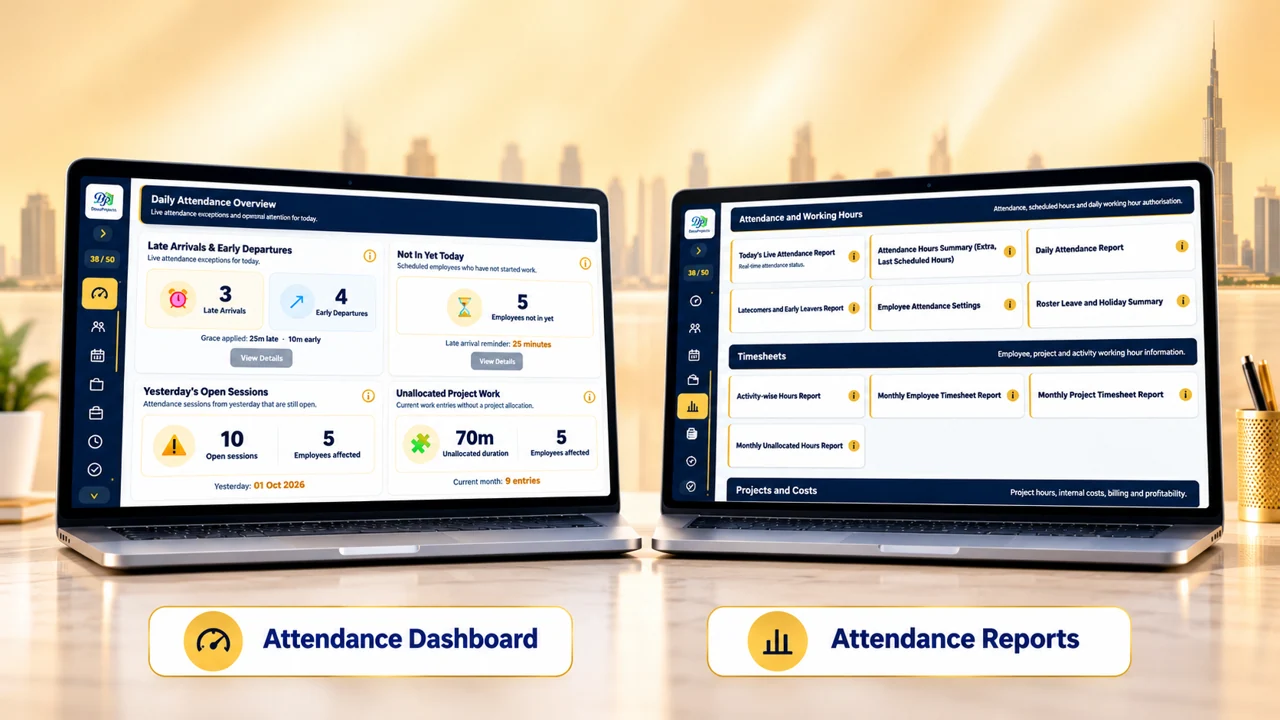
How can managers monitor attendance and review trends?
Real-time dashboards show attendance activity, while analytical reports help administrators review records, working hours and attendance patterns across their workforce and projects.
Explore QR Attendance and timesheets
Want to know how DocuProjects Attendance connects with Project Costing?
See how recorded hours become project labour costs.